Meet your files. Again.

Rediscover what’s worth keeping. Clear out what isn’t

Your download is starting

How to install DClutter

4 steps to install DClutter for Mac.

  1. Open the DMG and drag to install

    Double-click the DClutter DMG in Downloads. In the window that opens, drag DClutter onto the Applications shortcut.

  2. Open it, then choose Done

    Eject the disk image and open DClutter from Applications. When “DClutter” Not Opened appears, click Done to dismiss it and continue.

  3. Choose Open Anyway

    Open System Settings → Privacy & Security. Scroll down to Security and click Open Anyway next to DClutter.

  4. Confirm Open Anyway

    When “Open DClutter?” appears, click Open Anyway and authenticate if asked. After this one-time approval, DClutter opens normally from Applications.

This release isn’t Developer ID signed or notarized, so macOS requires approval on the first launch.

Download didn’t start? Download again

Your download is starting

How to install DClutter

3 steps to install DClutter for Windows.

  1. Open the installer

    In Downloads, double-click the DClutter setup .exe to begin.

  2. Allow setup to run

    If you see “Windows protected your PC,” click More info, then Run anyway.

  3. Finish and open

    Follow setup and click Finish. No administrator rights needed. You can also open DClutter from Start.

Download didn’t start? Download again

Free and open source

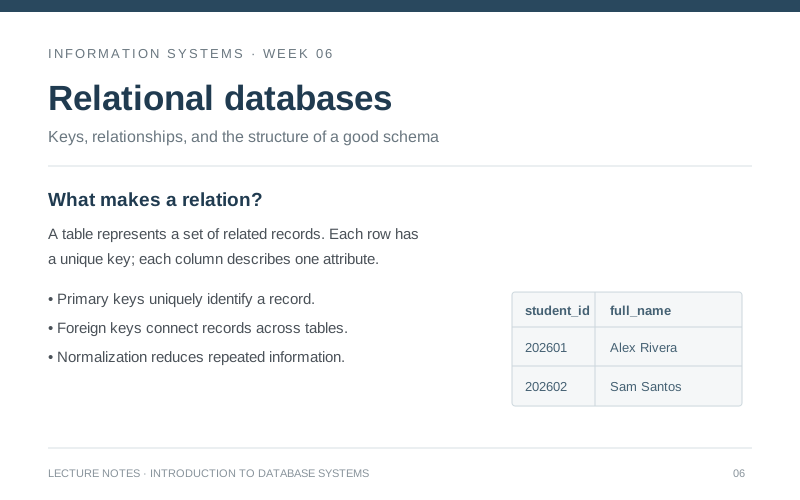
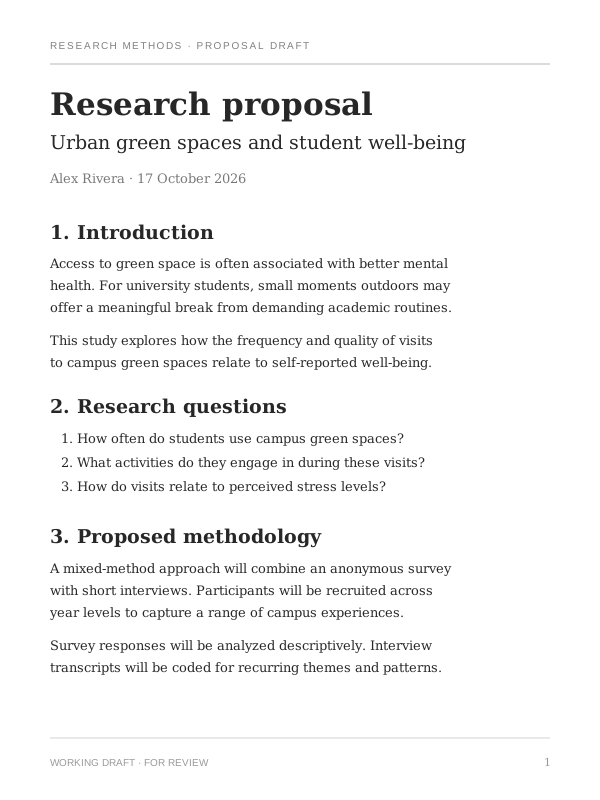
A looping sample stages duplicate lecture notes, keeps an invoice, renames a proposal, files it into Projects, reviews the staged file, and moves it to Trash. Then the sample starts again. No files on your computer are used.
771 files, and no
idea where to start.

I opened my Mac after finals and wondered when I’d last organized anything. Then I opened Downloads. Whiplash. Deciding what to keep was easy. Opening files, dragging them around, and finding my place again was what turned it into an afternoon.

So I built DClutter. That afternoon became a few minutes here and there, one file at a time. Somewhere between old assignments and forgotten projects, cleaning up started to feel like going down memory lane.

Who would’ve thought sorting files could be a little enjoyable?

771files in Downloads

One file. Four ways forward.

Set it aside. Review it before it goes to Trash.
Try it before you download it.

Use the arrow keys, or click the buttons.

DClutter
Downloads
~/Downloads
Semester planning notes

01  Review the project brief
02  Organize research and references
03  Prepare the first design review

A little less clutter. A little more clarity.
Semester planning notes.txt
Plain text
SIZE174 bytes
LAST OPENED17 Oct 2026
FROM—
ADDED17 Oct 2026
4 left0 sorted

Fully offline.Nothing uploaded.

Read more in the privacy policy.

No account.

Open the app and get straight to your files.

No uploads.

File names, contents, and previews stay on your device.

No tracking.

No analytics, crash pings, or usage counters.

App downloads
Unavailable
GitHub stars
Unavailable
Forks
Unavailable
Published releases
Unavailable

Totals across both repos. Downloads include installers and app archives.

Ready to start with one file?

A clearer folder, a few minutes at a time.

Your download is starting

How to install DClutter

4 steps to install DClutter for Mac.

  1. Open the DMG and drag to install

    Double-click the DClutter DMG in Downloads. In the window that opens, drag DClutter onto the Applications shortcut.

  2. Open it, then choose Done

    Eject the disk image and open DClutter from Applications. When “DClutter” Not Opened appears, click Done to dismiss it and continue.

  3. Choose Open Anyway

    Open System Settings → Privacy & Security. Scroll down to Security and click Open Anyway next to DClutter.

  4. Confirm Open Anyway

    When “Open DClutter?” appears, click Open Anyway and authenticate if asked. After this one-time approval, DClutter opens normally from Applications.

This release isn’t Developer ID signed or notarized, so macOS requires approval on the first launch.

Download didn’t start? Download again

macOS 14+
Apple Silicon & Intel

Your download is starting

How to install DClutter

3 steps to install DClutter for Windows.

  1. Open the installer

    In Downloads, double-click the DClutter setup .exe to begin.

  2. Allow setup to run

    If you see “Windows protected your PC,” click More info, then Run anyway.

  3. Finish and open

    Follow setup and click Finish. No administrator rights needed. You can also open DClutter from Start.

Download didn’t start? Download again

Windows 10 or 11
x64